Fine-Tune or MIDI Learn
Double-tap a knob to slow it down for the moments when a single step is too much — or to MIDI Learn it from whatever you move next. Choose what double-tap does in Mode Select.

10 seconds to MIDI
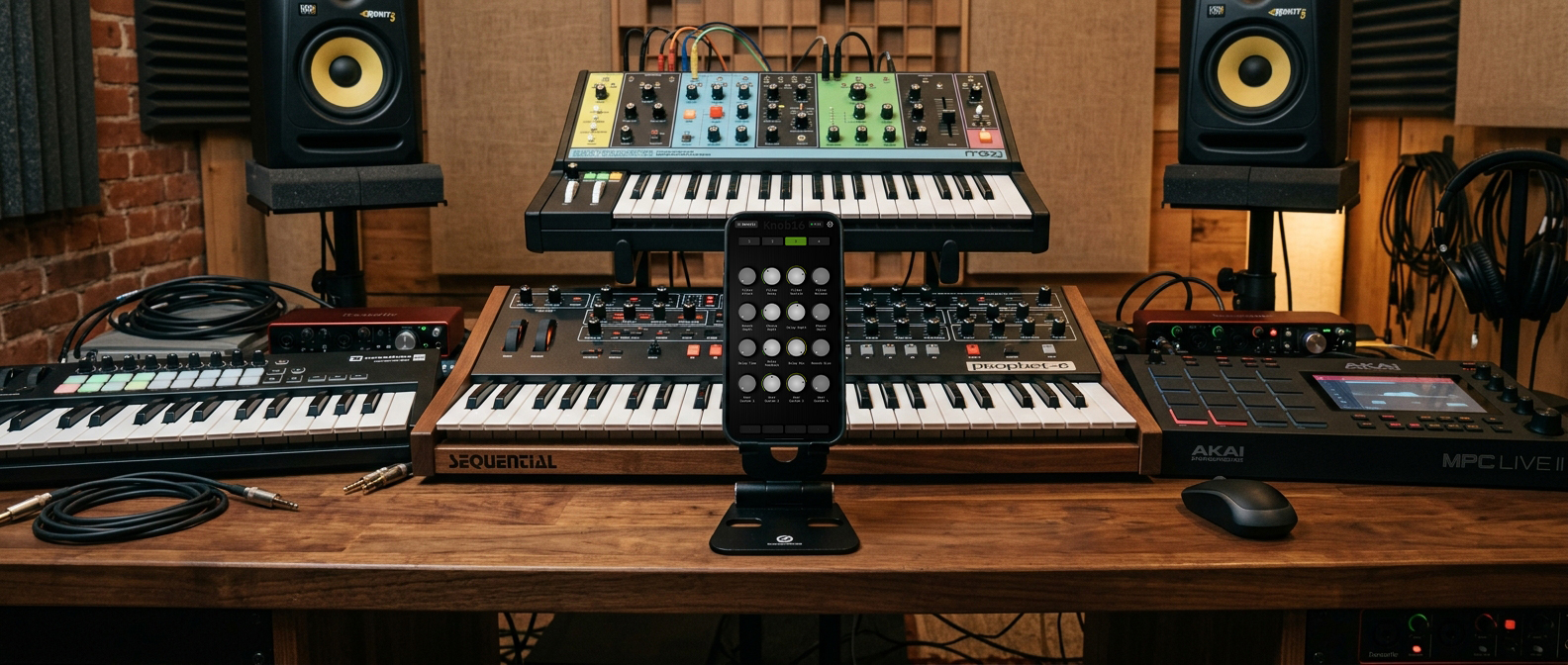
Double-tap a knob to slow it down for the moments when a single step is too much — or to MIDI Learn it from whatever you move next. Choose what double-tap does in Mode Select.
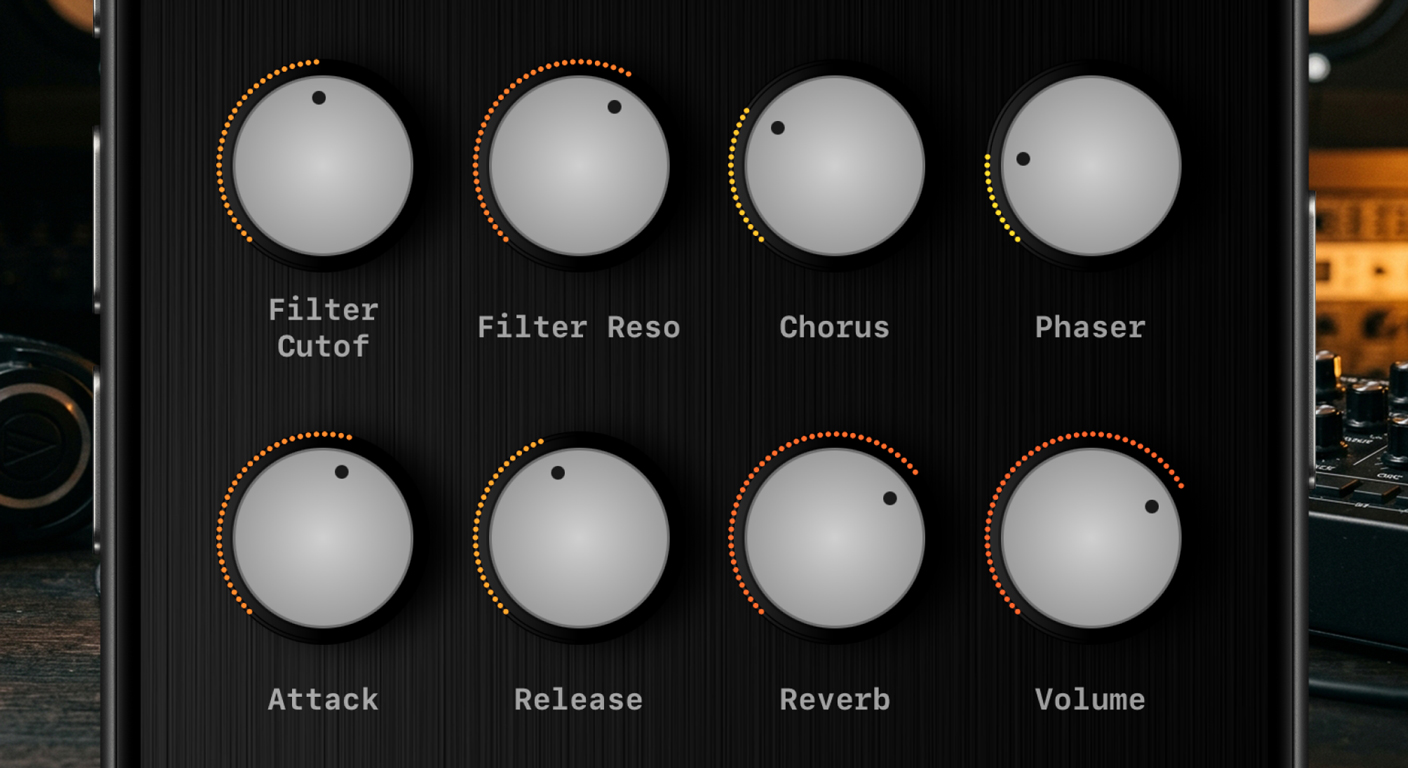
Knobs follow your DAW, not just the other way around. Move a parameter in Ableton, the knob moves with it. Always in sync, never out of position.
Every knob has its own CC number, MIDI channel, label, and range. 64 knobs, 64 independent setups. Nothing is global unless you want it to be.
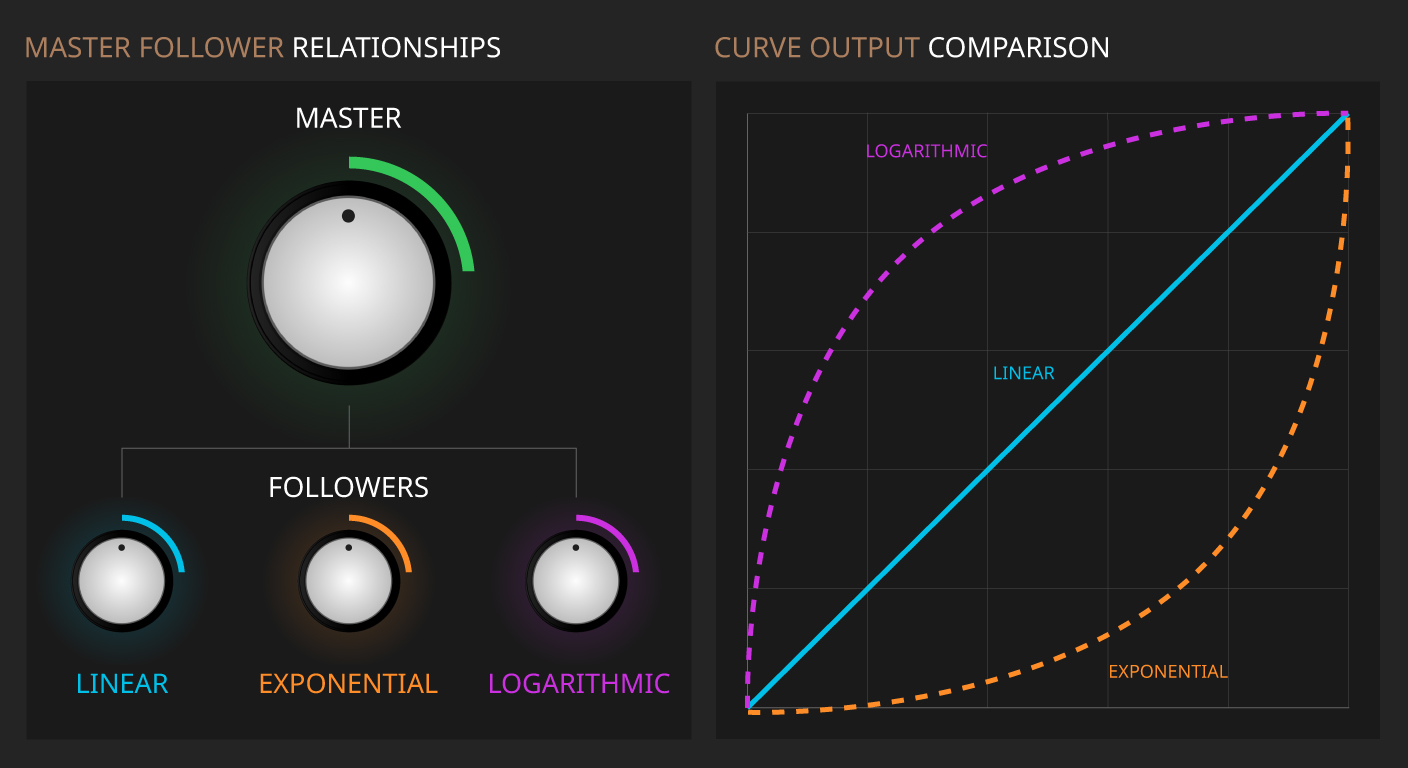
Linear, Exponential, or Logarithmic scaling per follower. The same physical movement, completely different response. Dial in exactly how the control feels.
16 pads per bank with 29 scales and per-octave transpose. Drag for velocity, pitch bend, or full MPE expression with Pro. A playable instrument, not just a controller.
Everything saves automatically, every time. Close the app, switch presets, put the phone in your pocket — nothing is lost. Touch it again exactly where you left it.
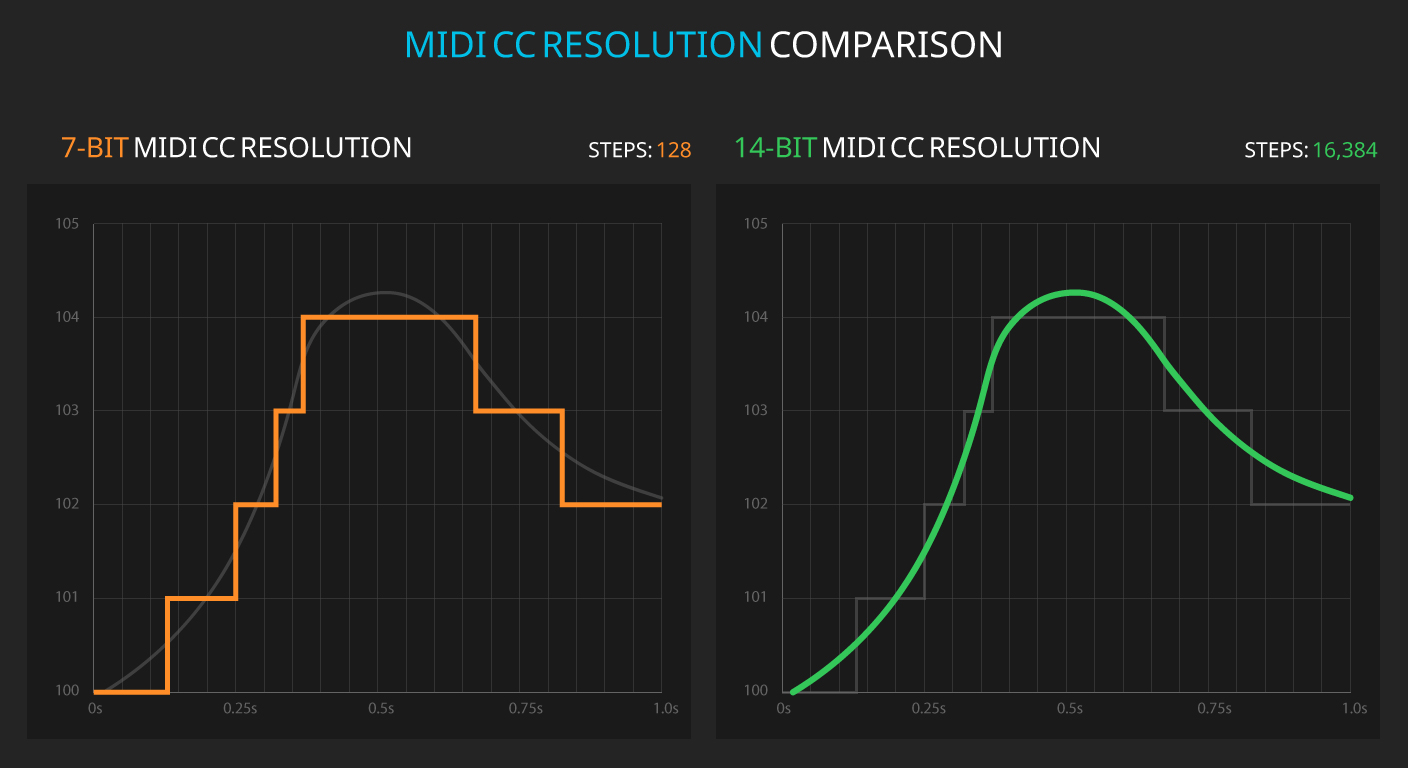
16,384 steps per knob instead of 128. Smooth, precise control over every parameter. No stepping, no zipper noise. Includes NRPN support.
Pro14-bit CC and NRPN are part of Knob16 Pro.
Ableton Live users get full mapping and labeled knobs automatically — Device, Mixer or Macros modes. Every other DAW and hardware setup assigns in seconds using MIDI Learn.
ProMIDI Learn is free. Live Mode is part of Knob16 Pro, with three free 24-hour trials.
Group multiple knobs under a single master. Adjust relative levels while preserving the mix balance. Essential for live performance.
ProGrouping Mode is part of Knob16 Pro, with three free 24-hour trials.
Store complete knob configurations as snapshots. Switch between setups in a single tap. Perfect for A/B comparisons and live transitions.
ProOne snapshot per bank is free. All four come with Knob16 Pro.
Where snapshots live on the surface →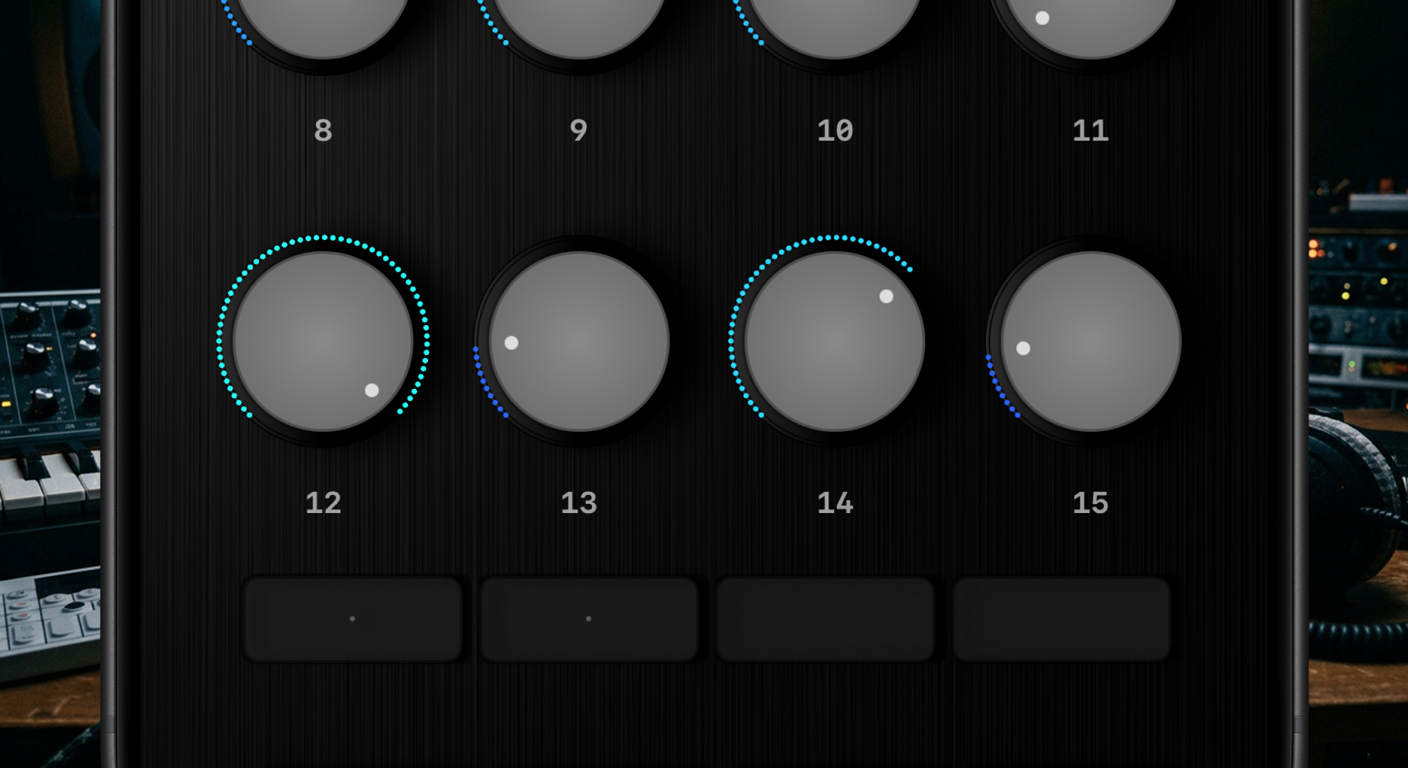
Create and manage presets for different projects, instruments, and workflows. Label every knob. Share presets with collaborators.
ProTwo presets are free. Unlimited presets and iCloud sync come with Knob16 Pro.
Presets and banks, explained →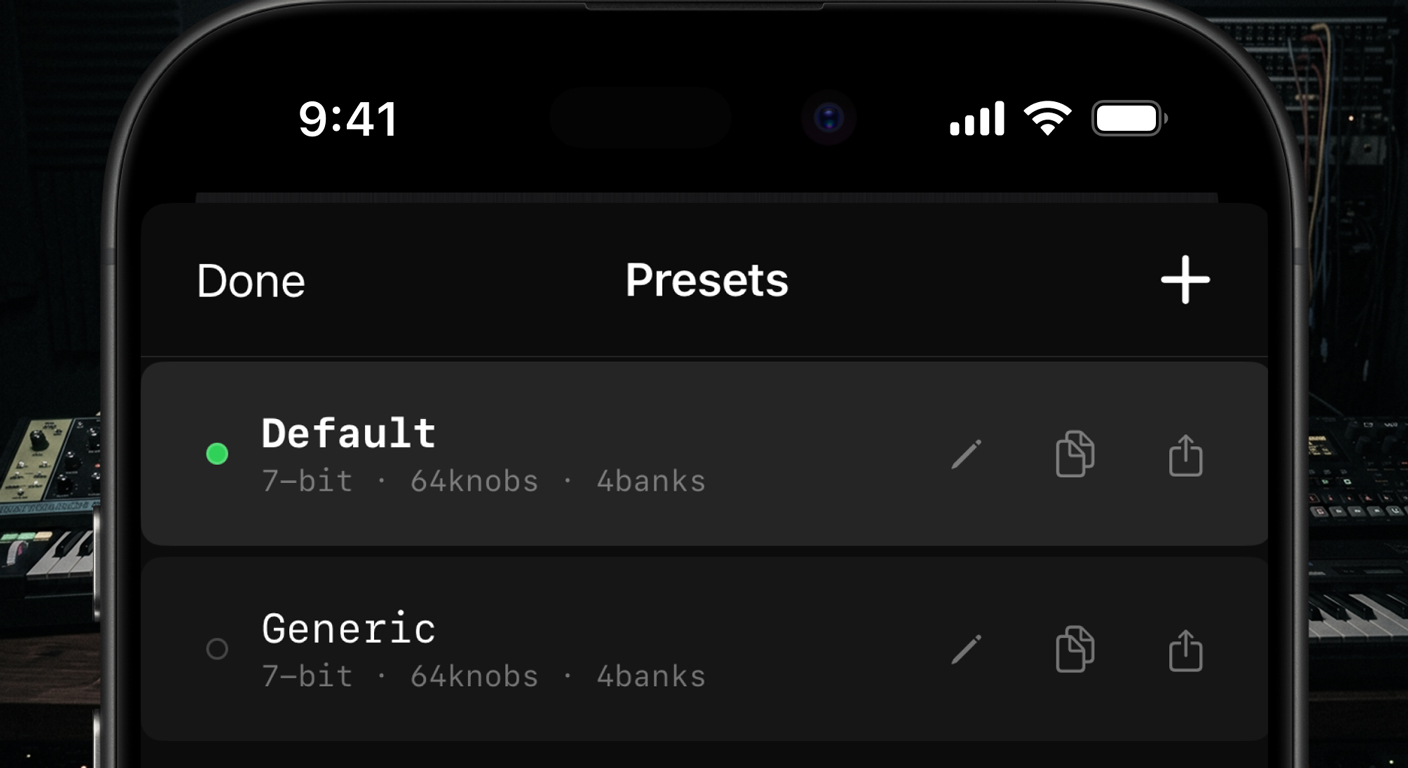
Three ways to connect. USB for near-zero latency studio work. Bluetooth MIDI for cable-free setups. Wi-Fi for network MIDI across the room.
ProUSB and Wi-Fi are free. Bluetooth MIDI is part of Knob16 Pro, with three free 24-hour trials.
How each connection feels →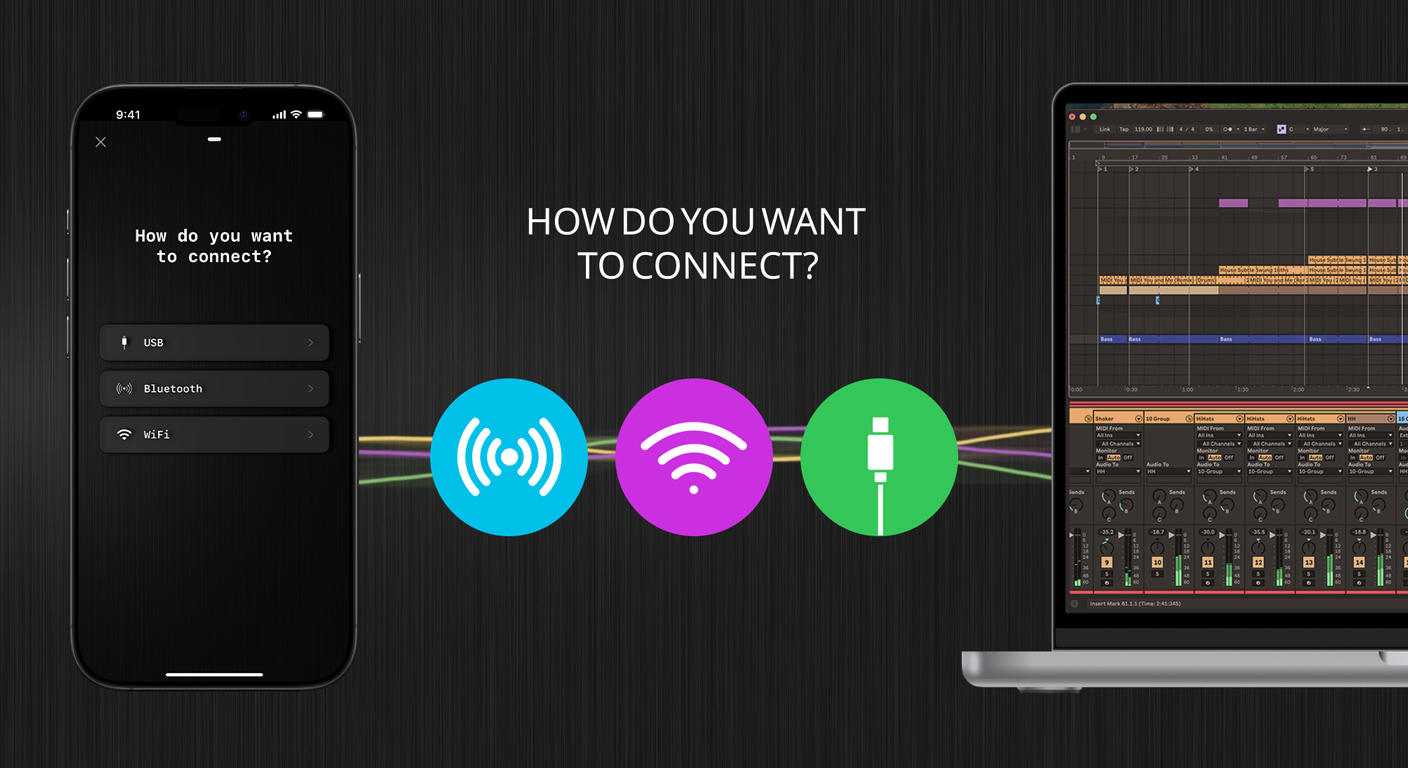
MIDI Polyphonic Expression turns your screen into an expressive instrument. Per-note pitch, pressure, and slide. Compatible with MPE synths.
ProMPE is part of Knob16 Pro.
How drag and MPE work →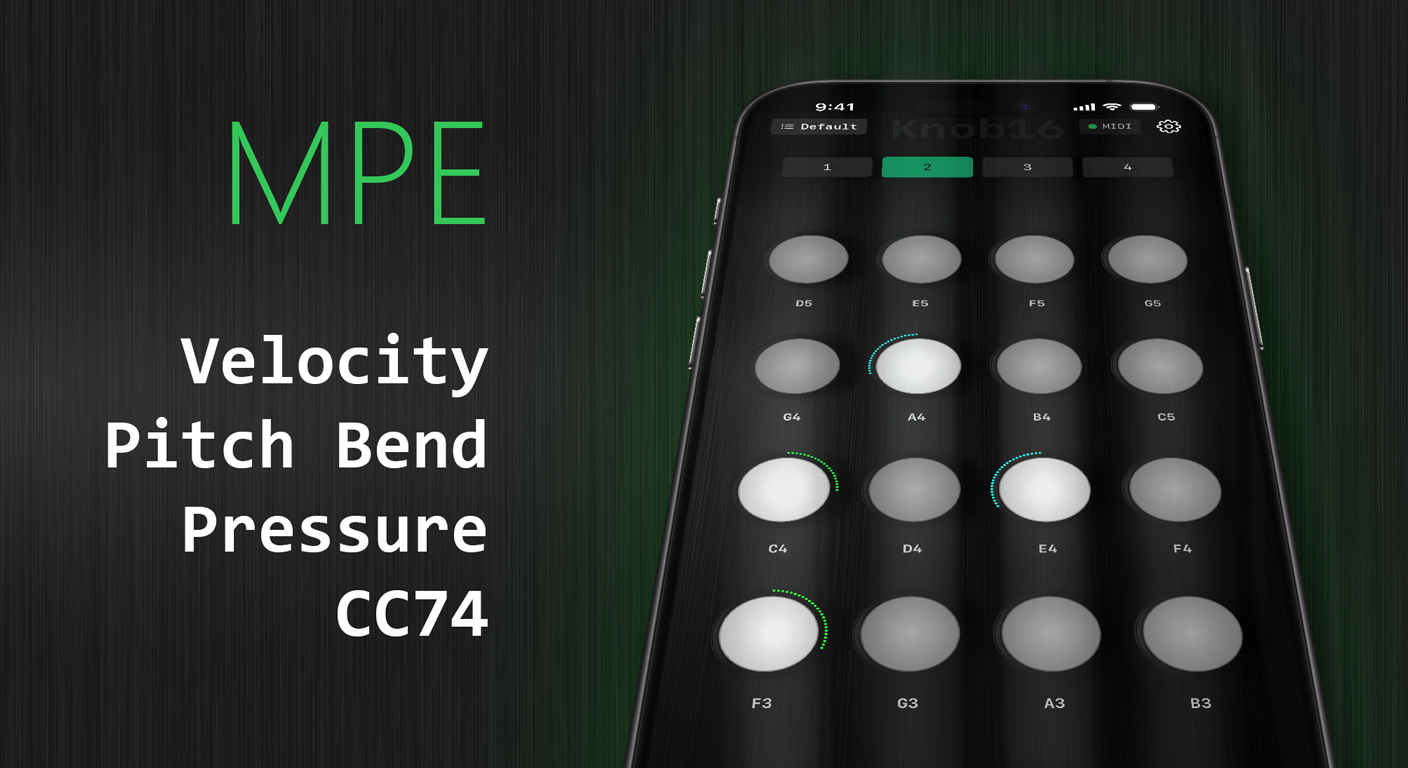
The session starts before the hardware is out of the bag. Knob16 is already open. You're sending CC before the audio interface finishes booting.
Your controller has 8 knobs. The synth patch has 24 parameters. Knob16 gives you 64 more knobs across 4 banks — alongside what you already own.
Hotel room, rehearsal space, train with a laptop. No controller in the bag. But the phone is in your pocket. Wi-Fi or Bluetooth MIDI, no cables needed.
Blue Hand integration means Knob16 automatically maps to whatever device you select in Ableton. No MIDI Learn. Labels update in real time. It just works.
You don't need to know what MIDI CC is. Connect your phone. Open the app. Move a knob. Something moves in your DAW. That's it. Learn as you go.
Unlock. Connect. Play.
Pro when you need it
One-time unlock · No subscription · No account required
The core controller
One-time unlock · Early access price
Free covers the core controller. Pro marks what comes with the one-time unlock.
64 total · 16 per bank
7-bit CC: 128 steps
14-bit CC: 16,384 steps
NRPN
Up to 16 groups · 4 per bank
Linear, Exponential, Logarithmic curves
1 per bank free
4 per bank · 16 total with Pro
2 editable presets free
Unlimited with iCloud sync with Pro
16 pads per bank
29 scales · Transpose ±12 semitones
Up to 5 simultaneous touches
Pitch Bend · Pressure · CC74
iPhone · iPad · iOS 18.6+
Class-compliant USB MIDI · Network MIDI · Virtual MIDI
This just turns it on
Two in Free. Unlimited with Knob16 Pro.
Around 10–15 ms best case on modern hardware, 15–25 ms realistic average, with 2–12 ms jitter. For CC control — filter sweeps, macro knobs, mixer automation — this is imperceptible. Jitter matters more than raw latency anyway. USB is the right choice if timing is critical. Full breakdown: USB vs Bluetooth vs Wi-Fi →
Yes. USB MIDI is entirely local — no network, no Wi-Fi needed. Airplane Mode has zero effect on the USB connection.
Yes. Every knob has its own MIDI channel assignment. Drive a synth on ch1, a drum machine on ch10, and a reverb unit on ch16 — all from a single bank, simultaneously. Per-knob settings, explained →
Yes. USB MIDI is class-compliant. Plug into Mac, iPad, or any class-compliant host and it works immediately — no driver installation.
Yes. Export and import preset files to back up your mappings or share them with other Knob16 users.
Yes. Knob16 receives CC feedback from your DAW, keeping every knob display in sync with the actual parameter value. The knob is always where the DAW says it is.
Not directly. Use a group to link multiple knobs and control them in unison.
Only on movement. Use a snapshot to push the full bank state at any point.
Yes. Set a custom min/max range per knob anywhere within 0–127. Inversion is available when the knob is part of a group. See min/max on the knob settings sheet →
Yes — multiple devices work in the same session simultaneously.
Blue Hand is part of Live Mode — a dedicated Ableton control surface built into Knob16. It covers three modes: Device (Blue Hand, follows the selected device), Mixer (volume, pan, sends across tracks, including return tracks), and Macros (Rack macro parameters across tracks in configurable layouts). Live control in the manual →
Yes. You can connect directly to compatible hardware using Bluetooth MIDI or USB MIDI. For USB, the device must support class-compliant USB MIDI. DIN MIDI hardware also works through a compatible USB MIDI interface. No computer required.